
Inventory Management
Connect your Instagram once and your posts and stories become selectable items on your checkout form — no screenshots, no manual uploads, no back-and-forth DMs about who claimed what.
- Inventory pulls your Instagram posts and stories in as selectable items at checkout.
- It stays in sync with your Instagram feed automatically.
- The same items also sync with your Sales Assistant and your Orders page, so everything stays connected.
What Inventory does
Inventory connects directly to your Instagram account and pulls in both posts and stories, so your product photos and descriptions flow into your checkout form as selectable items. For each eligible post or story, it grabs the photo and details for you — so you’re not uploading anything by hand.
Everything stays in sync
Your Inventory isn’t a separate list to maintain — it’s connected across Thryft Ship:
- Your checkout form — items appear as selectable options when a customer checks out.
- The Sales Assistant — the same items are available when you build and run a drop. See Create Your First Drop.
- Your Orders page — orders tie back to your inventory, so what sold stays connected to the item.
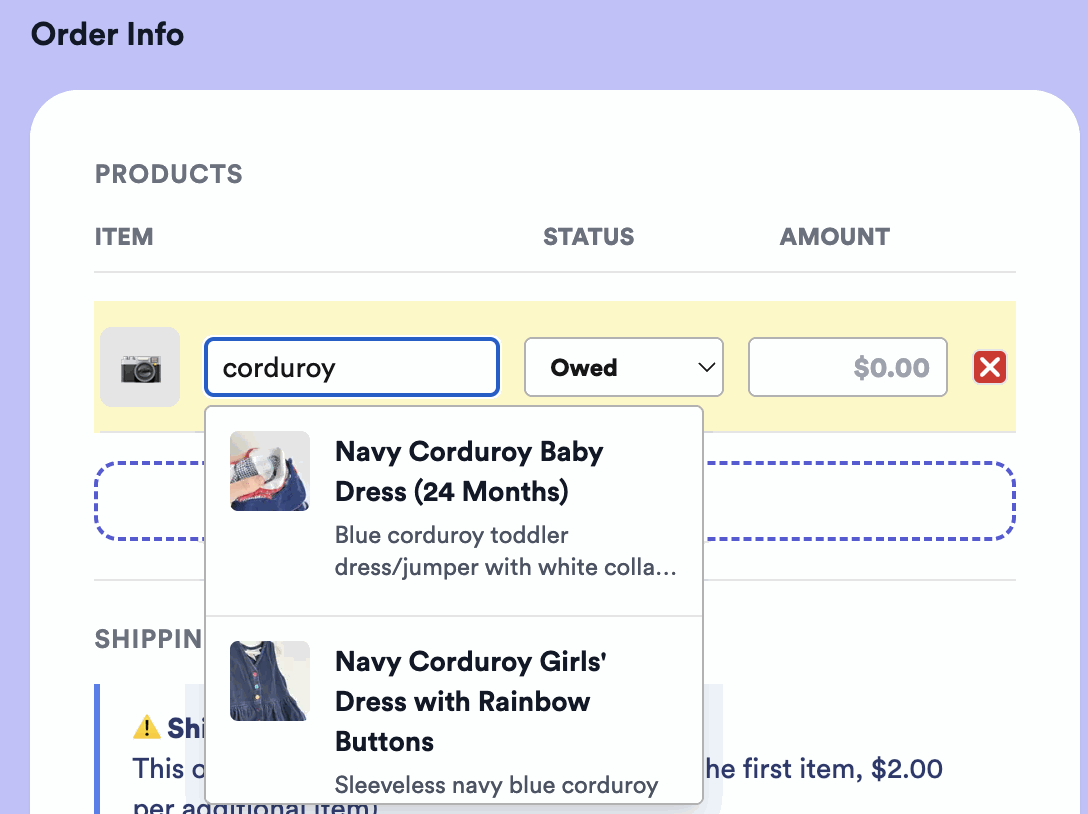
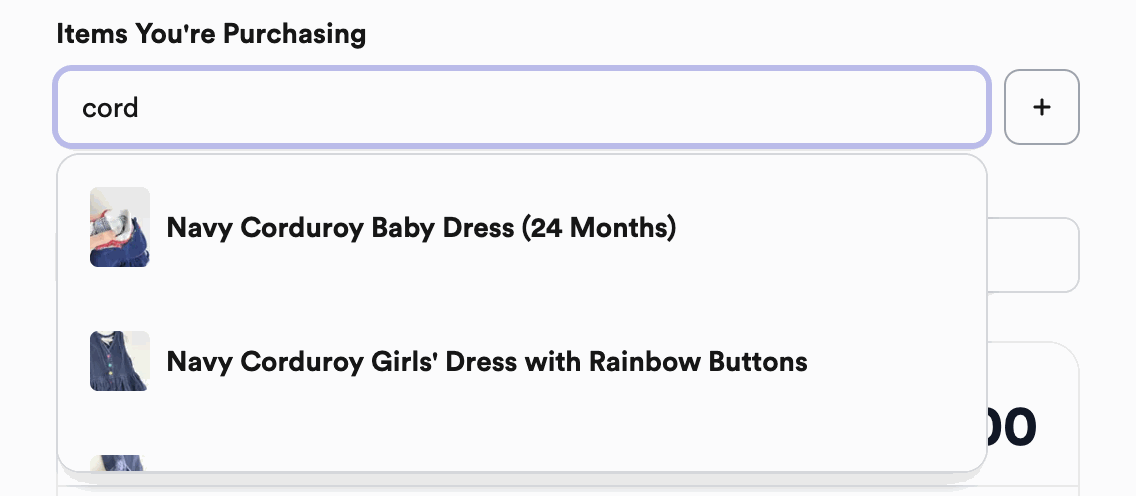
Searching your inventory on an order
Whether you build an order or your customer does, you can search your inventory and pick the exact item — with its photo — instead of typing it out.
Why isn’t my inventory showing up?
If an item isn’t appearing yet, it’s almost always one of these:
- It hasn’t synced yet. Inventory refreshes every 12 hours — run a sync, or wait for the next refresh, and your newest posts will appear.
- It’s your first time connecting and the item is older. On a brand-new connection we only pull about your last two weeks of posts, so anything older won’t come in automatically.
Common questions
Do I have to upload my products manually?
No — Inventory pulls them straight from your Instagram posts and stories, with the photo and details already filled in.
Does Inventory work with the Sales Assistant?
Yes — the same items are available to the Sales Assistant when you build a drop, and orders flow through to your Orders page.
Will it stay up to date?
Yes — once connected, Inventory stays in sync with your Instagram feed automatically.
Questions about connecting your Inventory? Reach out anytime.


