
What the Pay Later Setting Does
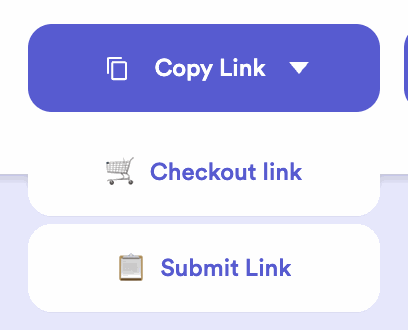
Pay Later gives you a second link — a submit link — alongside your normal checkout link. On the submit link, a customer can fill out and submit their order without paying.
TL;DR
- Pay Later gives you a second link (a submit link) for submitting without paying.
- Use it to close an open bag, add owed items, or just let a customer submit the form without paying.
- Turn it on in your settings.
What it is
When you turn on Pay Later, you get an additional link alongside your usual checkout link — the submit link. On it, a customer fills out and submits their order but isn’t charged. Your regular checkout link doesn’t change — this is a separate link you send when you don’t need payment.
What you’d use it for
- Close an open bag — a customer who just wants to close their open bag (without buying more) can do it through the submit link.
- Add owed items — let a customer submit items they owe for, to be paid later.
- Submit without paying — collect a customer’s details or hold an order without requiring payment up front.
i
Your checkout link is unchanged
Pay Later doesn’t turn your normal link into a no-payment link — it adds a separate submit link you can send whenever you don’t need payment.
Common questions
Does Pay Later let customers finance purchases?
No — it’s not a financing feature. It activates a submit link so a customer can submit the form without paying right then.
How does a customer close their open bag with it?
Send them your submit link and they can close the bag without a new payment. More in How Open Bags Work.
Where do I turn it on?
In your Accept Payment settings.


