
Your First Order on Thryft Ship
There are a few ways to run an order on Thryft Ship. Pick your path and jump straight to it:
How do you want to run orders?
I create the ordersYou add the items and cost; the customer pays and adds their address info. My customers do it themselvesThey enter their handle, items, and shipping address, then pay. I collect info only — no paymentsThe link gathers info; you take payment your way. What’s the difference?A quick compare of the options. Tell me about the Sales AssistantFully automatic orders and checkout.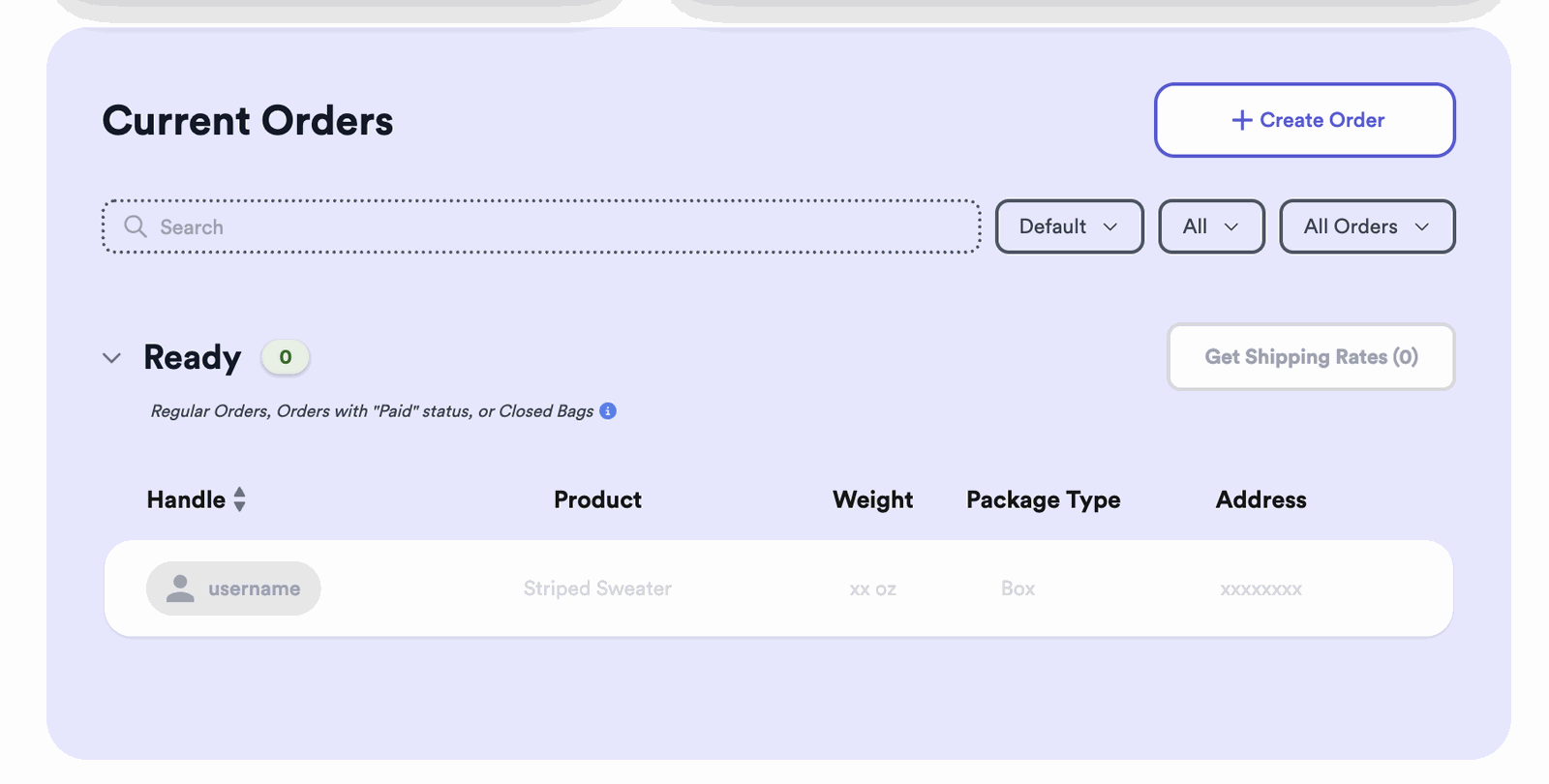
Option 1: You create the order
You build the invoice; your customer just pays it.
-
Click + Create Order
On your Orders page, choose + Create Order.
-
Add the customer’s handle
Just enter their Instagram handle — you don’t need to add a shipping address. The customer is asked for it at checkout. (You can add it yourself, but there’s no real time saved.)
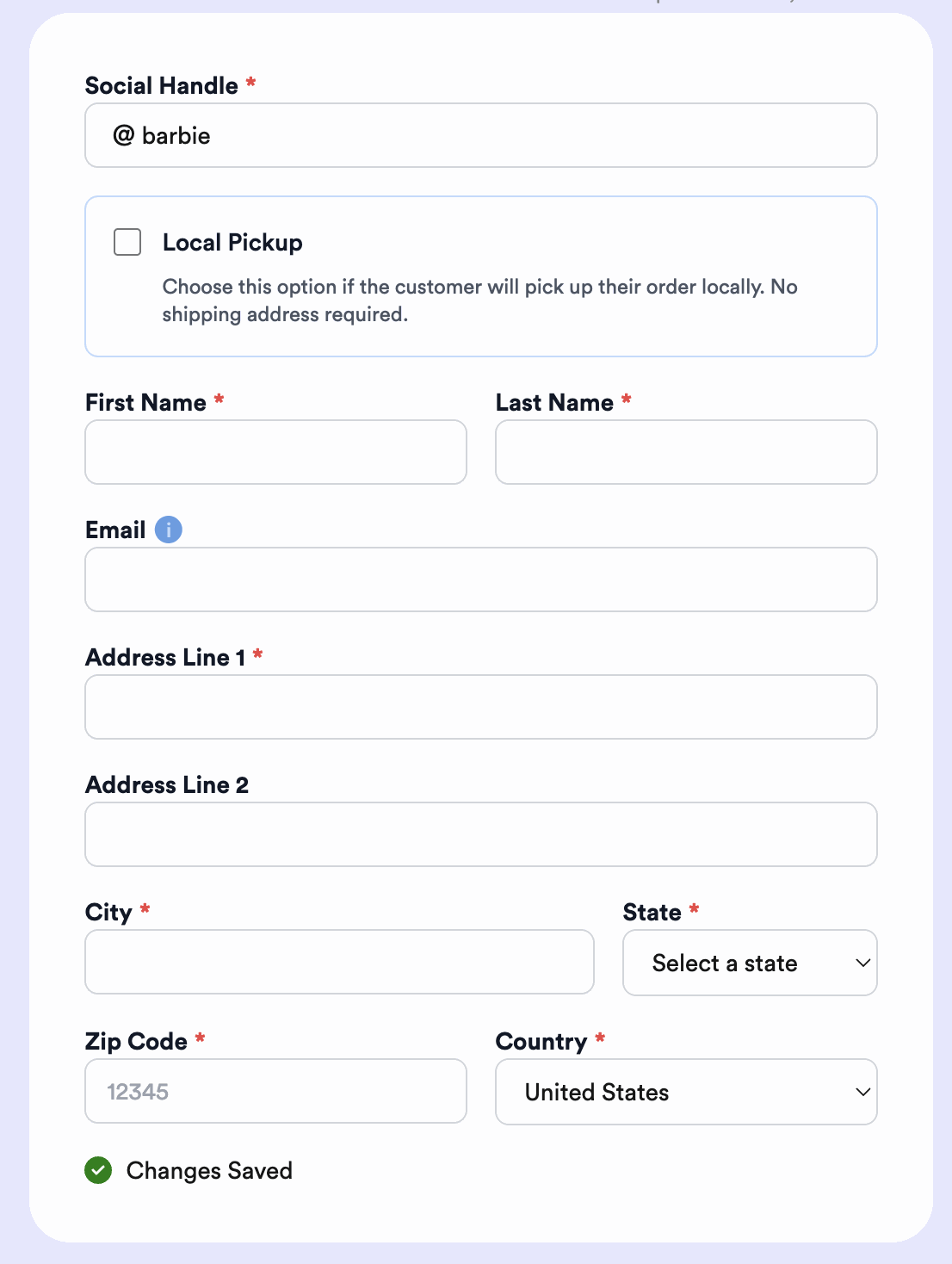 iNo address? That’s fine Leave the address blank and Thryft Ship prompts the customer for it at checkout. The order just shows as still owed until they fill it in.
 -
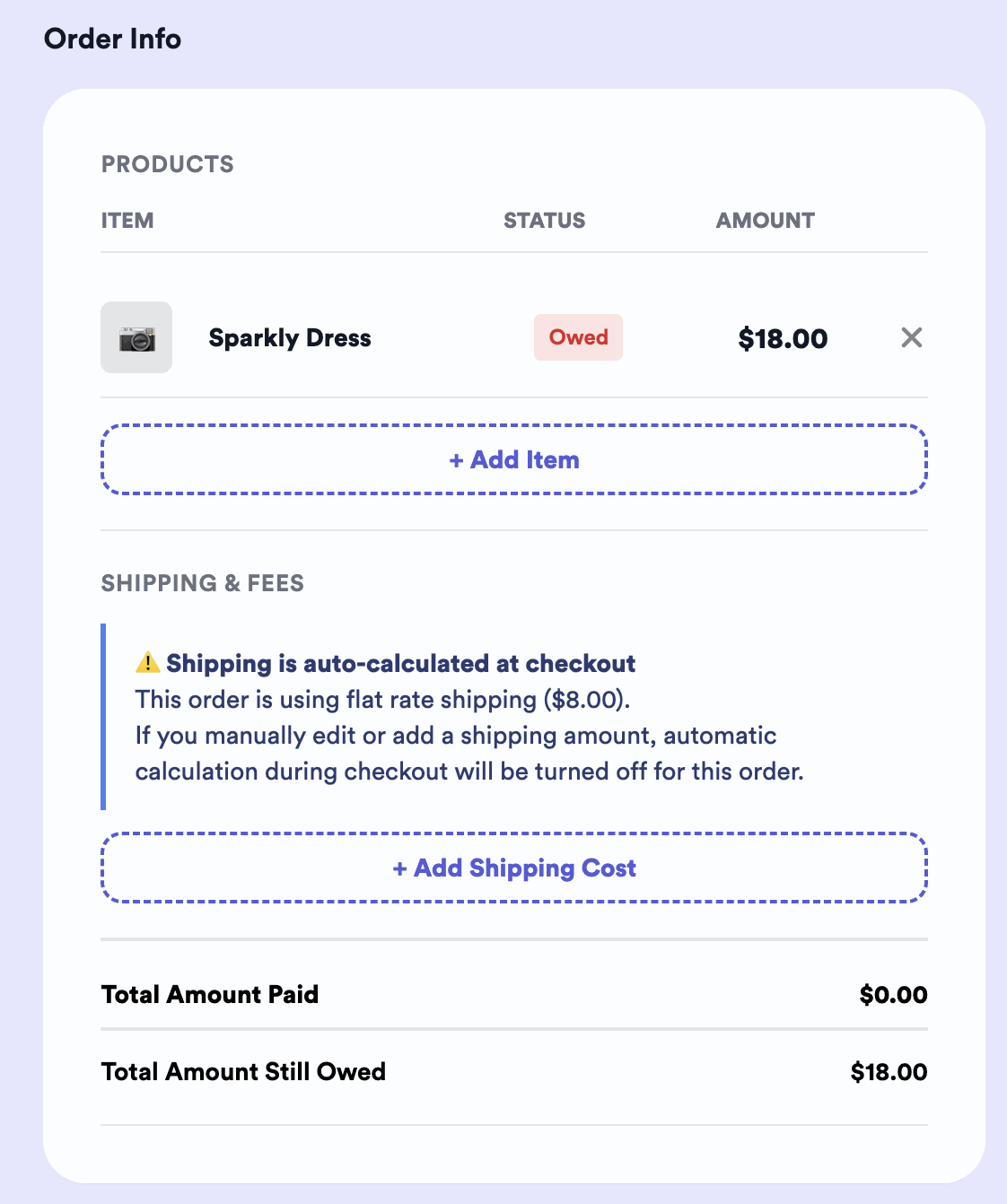
Add the item(s) and shipping cost
Add each item (type it or pull from Inventory) — each shows as Owed with its amount. Then set the shipping cost, manually or by auto-calculation.
-
Send the link — they pay
Send the checkout link. The customer enters their handle to pull up the order you made, adds their shipping address, and pays.
Option 2: Your customers do it themselves
Share your link and your customer fills it all in.
-
Copy your customer link
Grab your link with Copy Link and send it to your buyer.
-
They create their order
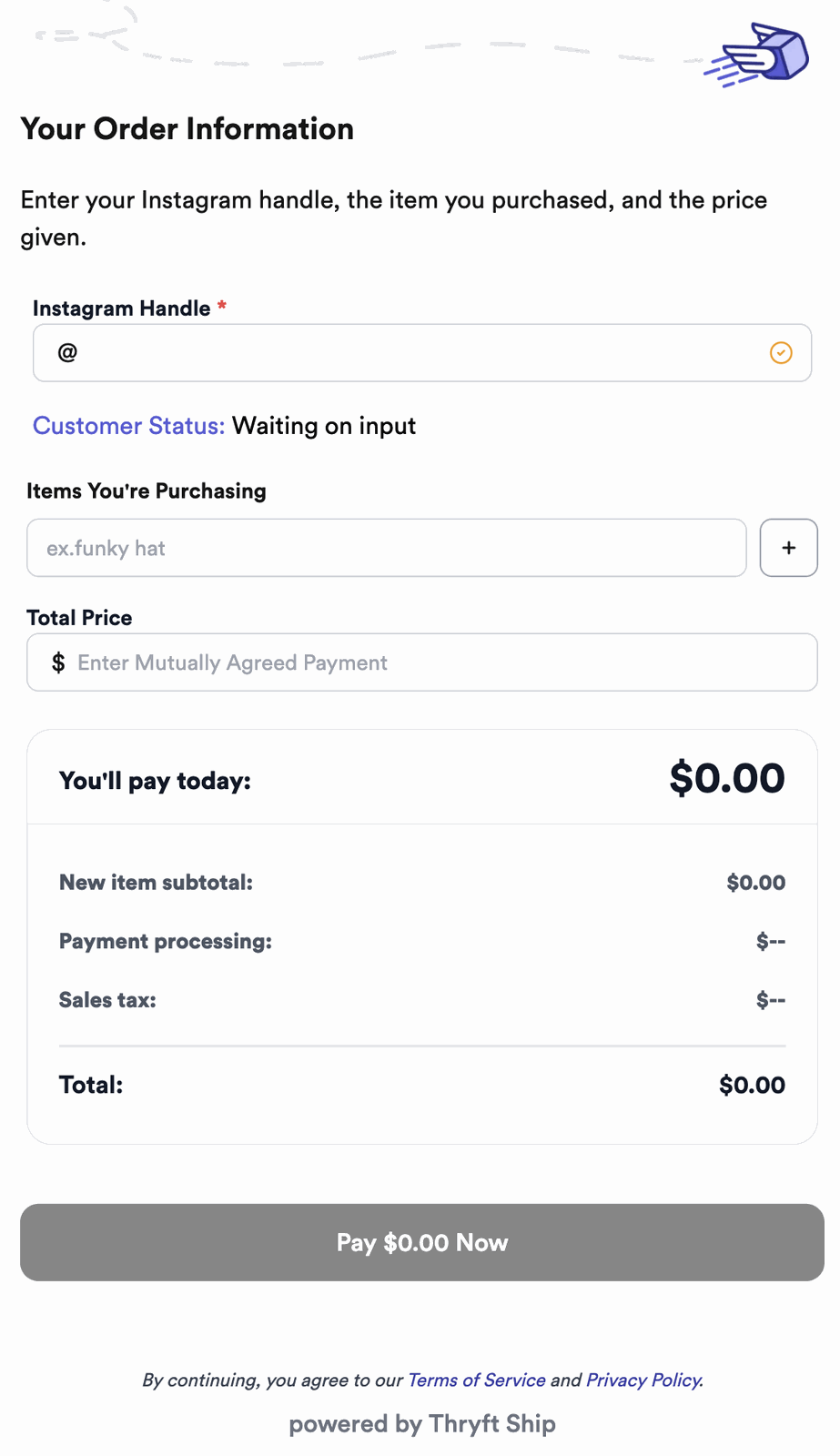
Your customer types their Instagram handle to create an order, then adds everything themselves — the item(s) they bought, their shipping address, and any details — and pays.
Option 3: You collect info only (no Thryft Ship Payments)
Prefer to take payment your own way? Simply don’t turn on Payments — then your customer link only collects order info, not payment. Send your customer the link to fill in their order and address (or do it yourself), and collect payment however you like. You can still buy and print their shipping label on Thryft Ship.
Once you have an order: ship it
However the order was made, here’s how you turn it into a label:
-
Add your package details
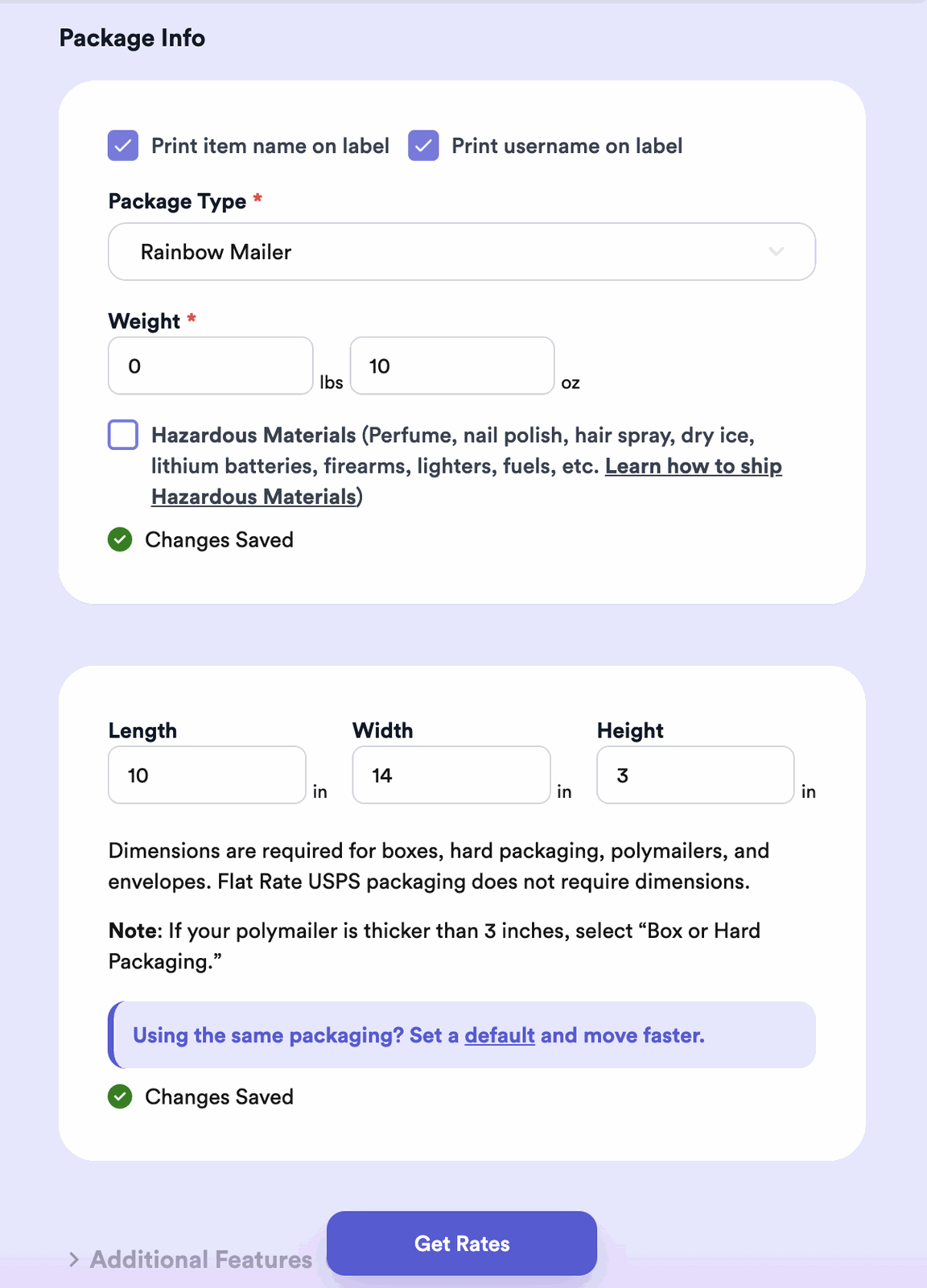
Pick your package type, enter the weight, and add dimensions. (Flat Rate USPS packaging doesn’t need dimensions.)
-
Get your rate
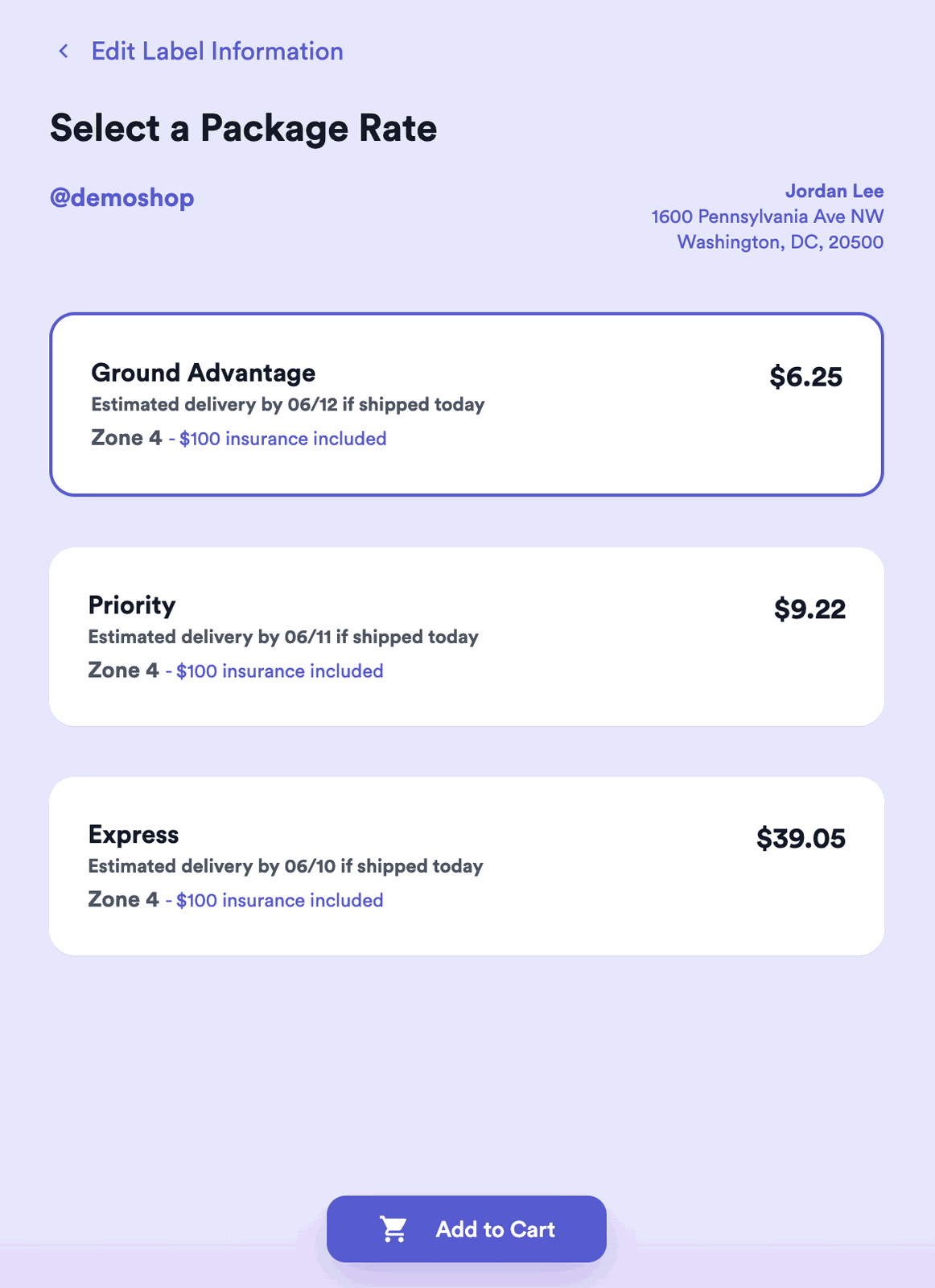
Click Get Rates and pick the option that works.
-
Buy the label and ship
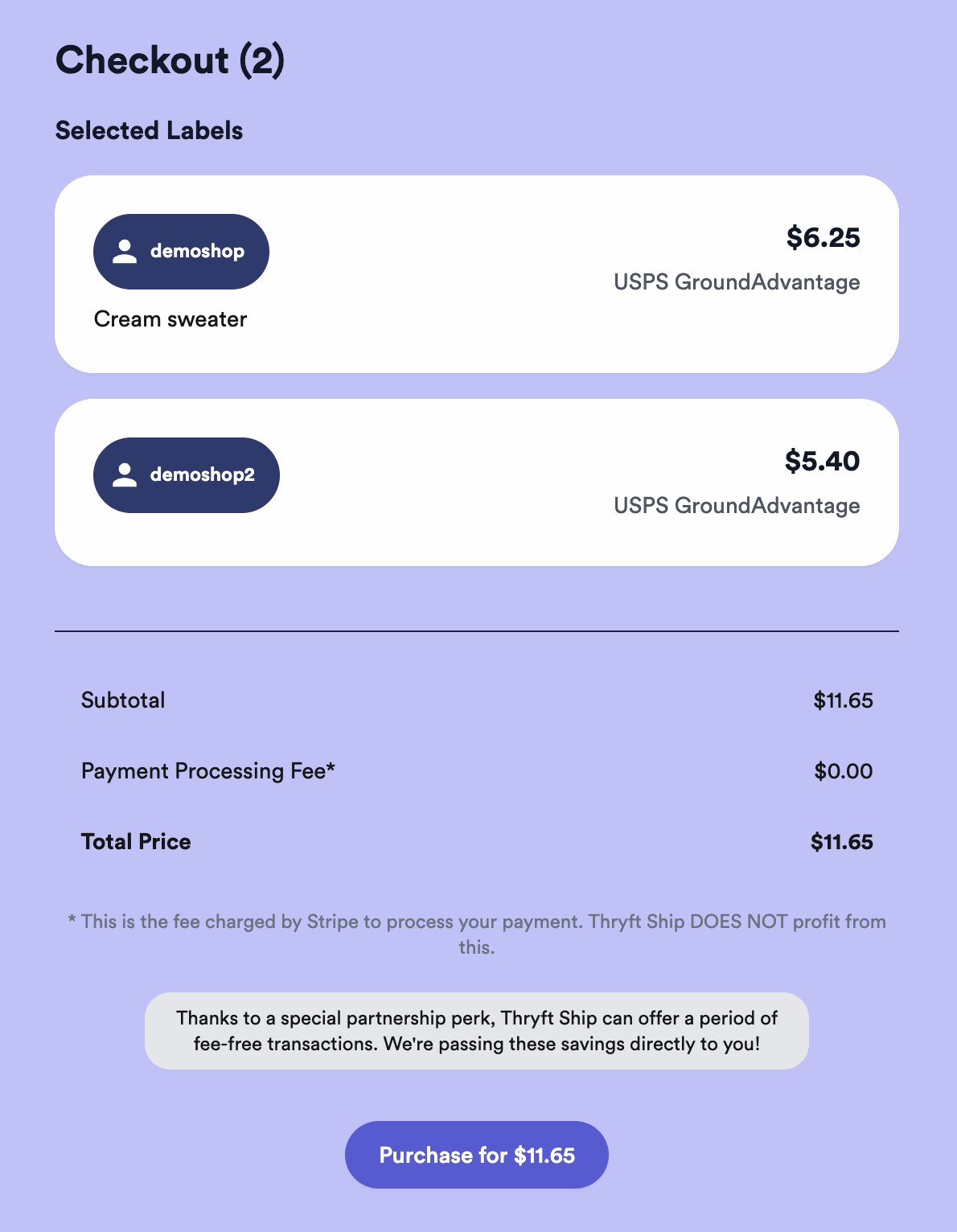
Add it to your cart, purchase, and ship it out.
What’s the difference?
Exact & controlled
You set the items, price, and shipping cost before they pay. Best when you want it precise.
Less work for you
They enter their own handle, items, and address. Best for volume and self-serve.
Don’t want to take payment on Thryft Ship? Just leave Payments off and your link collects info only — but it’s worth turning on: see why Thryft Ship Payments is better for buyers. And the fully hands-off option is the Sales Assistant, which creates orders and sends checkout automatically.


